What is an AI notes generator?
Free AI notes generator is a software feature that turns text or video into clear notes. It extracts key ideas, organizes points, and removes filler. You use it to review faster, keep materials structured, and focus on understanding instead of manual formatting for students, classes, meetings, research, and study tasks.
How to use the AI notes generator
Input your material
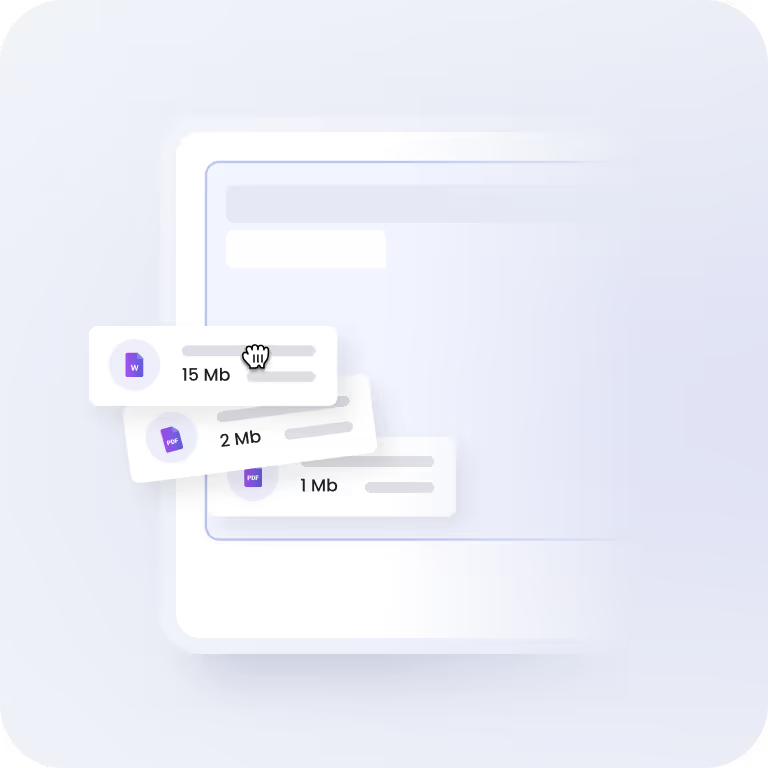
Paste text, upload a document, or add a YouTube video you want to create notes from. Text input supports up to 3000 words. File uploads support sizes up to 10 MB.

Generate clear notes
After you submit your content, run the tool. The AI study notes generator reviews the material, pulls out key points, and organizes everything into headings, bullet points, and clear sections. Processing takes only a few moments.

Use your notes
Copy the AI-generated notes or download them as a PDF. Use them for classes, meetings, or personal reference. You can run the AI note creator multiple times to generate different versions.

Features designed for better results
Free access
Easy to use
Accuracy and relevance
Multi-format support
Readable structure
Data security
FAQ
How reliable are the notes generated by the AI notes generator?
The notes generator delivers reliable results by closely reviewing your input and identifying the main ideas. It removes filler information and keeps only relevant points. The tool organizes content based on meaning and context, which helps keep notes consistent with the source material. This approach supports clear understanding, focused review, and dependable study preparation across different types of content.
How fast does the free AI notes generator produce notes?
Our AI note creator processes your content quickly after submission. The tool reviews the material, identifies key ideas, and organizes them into clear notes within seconds. This speed helps you skip manual note taking and move straight to reviewing or studying. It works well for large texts, documents, and video based materials when time matters.
Which content formats does it support?
The tool works with many input types. You upload images in JPG or PNG format, documents such as PDF, DOC, DOCX, or TXT, or add video links like YouTube. The free note generator reviews the material and creates clear notes based on the content. This setup supports notes creation from written, visual, and video sources without extra preparation.
How does the AI notes generator select key information?
It reviews your entire input and identifies the most important ideas based on context and meaning. The AI note creator removes repeated or low value details and keeps only core points. The tool then organizes this information into short, readable notes. This process helps you review material faster while keeping the content accurate, focused, and easy to understand.
Is there an upload limit for text and files?
The AI study notes generator uses clear input limits to keep processing stable and results consistent. File uploads support sizes up to 10 MB. Plain text input supports up to 3,000 words. These limits help the tool process content smoothly, keep response times short, and produce structured notes without slowdowns during your study sessions.
How can I export notes from the AI notes generator?
After creating notes using the AI note creator, you save them in simple formats. Copy the text for immediate use or download the notes as a PDF for offline access. This setup keeps your notes easy to store, share, and review whenever needed across different devices.