What is paragraph expander?
A paragraph expander tool is an AI-powered writing assistant that helps move through tasks more smoothly and saves time on assignments.
Students often start with a basic idea, but the paragraph ends up too short for the required word count. The tool takes that text and expands it by adding supporting details, explanations, and smoother transitions between ideas. The main point stays the same, but the paragraph becomes fuller and easier to read.
Key features
Free access
Choose expansion length
Match your writing tone
Works smoothly on your phone
No sign-in needed
Smarter paragraph development
Who benefits from a paragraph expander?
How the expand paragraph works
Add your text
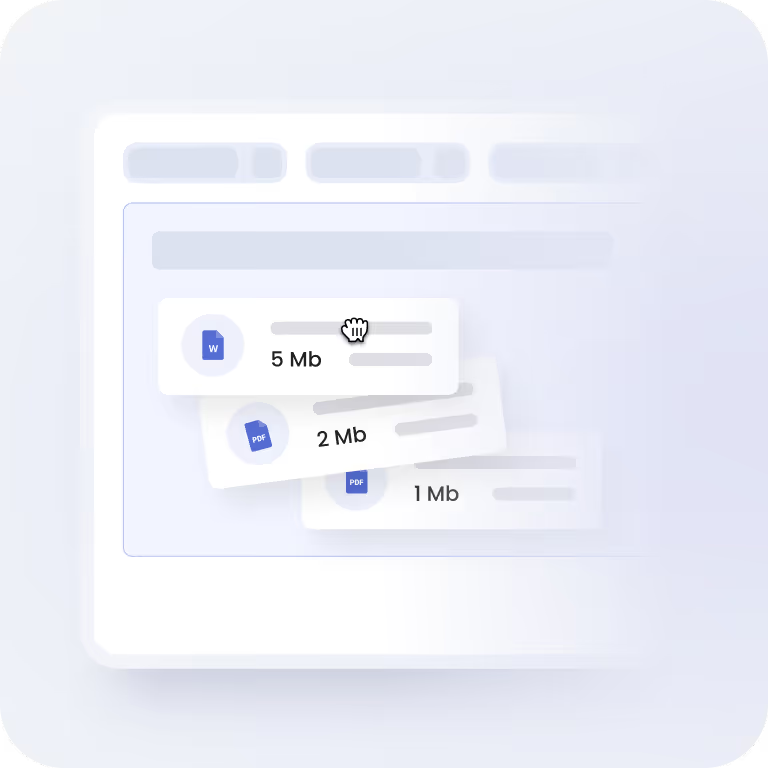
Paste your paragraph into the box (up to 500 words) or upload a file up to 3 MB. Supported formats include doc, docx, pdf, and txt.
Generate the result
Pick the length and tone you want, then click Expand. Our paragraph expander processes your text in seconds and creates a longer version based on your input.

Export the text
Check the generated text and copy or download it as a PDF. You can run the paragraph extender again if you want another version or a different result.
When a paragraph expander helps most
Reach the required word count
Write from rough notes
Work faster under deadlines
FAQ
Does the paragraph expander have an input limit, and why?
Yes. The tool works with 5 to 500 words at a time. If the text is too short, there’s just not much to build from. If it’s very long, the result can get messy because there are too many ideas in one input.
Keeping it within that range helps the tool expand paragraph content more clearly. If your text is longer, it’s easier to run a few sections one by one.
Is the content created by the paragraph extender unique?
The paragraph expander tool generates new text based on the text you provide. It builds additional sentences around your idea instead of copying content from other sources. The result is created specifically from your input, so each paragraph is different.
Is my data protected when I use a paragraph expander?
Your privacy stays protected. The tool doesn’t ask for personal details like names or emails. Any text you put in the box with the intent to “make my paragraph longer” isn’t stored. Once you close the page or leave the site, the content disappears.
What file types can I upload, and is there a size limit?
You can upload .doc, .docx, .txt, or .pdf files with a maximum size of 3 MB. This makes it easy to open drafts you already have saved on your computer or phone and quickly extend paragraph without copying the text manually.
Can I run the paragraph expander again for another version?
Yes. Each time the system works to make paragraphs longer, the wording can come out a bit different, so you can choose the one that fits your draft better.
Tip: If you want more variation, try switching the length or tone before generating again. Even a small change there can lead to a noticeably different version.
Does this tool check grammar too?
Yes, the tool improves grammar and fixes mistakes when they appear, helping the extended paragraph read more clearly and feel more polished. It corrects general grammar issues such as typos, punctuation errors, and minor wording problems.
How can I download results from the paragraph expander?
After the paragraph expander tool generates the text, you can copy the result directly to your clipboard and paste it wherever you need. If you prefer to keep a file, you can also download the generated text as a PDF and save it to your device.
Does your paragraph expander have daily limits?
No. You can use the paragraph extender as many times as you want. There’s no daily cap, so you can run multiple paragraphs through it during the same session if needed.